
Swim Analyzer vs Dartfish: Video Analysis for Swimming
Swim Analyzer vs Dartfish: swim-specific automatic measurement vs general sports video analysis. What each measures, who it suits, and how they are priced.
Also in Svenska · Deutsch · Español · Français · Italiano · Nederlands · Norsk · Dansk · Suomi · Magyar
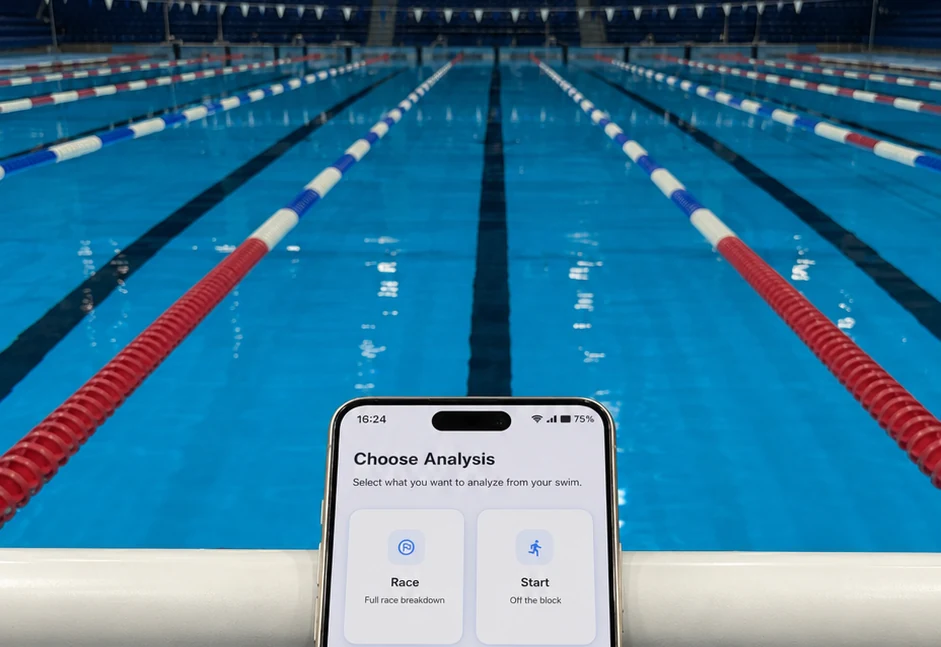
Swim Analyzer vs Dartfish: The Short Answer
Dartfish is general-purpose sports video analysis that an analyst drives by hand, while Swim Analyzer is built only for swimming and measures the swim automatically. Dartfish gives a skilled analyst tools for any sport; Swim Analyzer gives a club coach swimming numbers from a phone clip without an analyst.
Both are good at what they are built for. A national-team performance analyst with multi-camera rigs and time to tag footage will get a lot from Dartfish. A club coach who wants reaction time, breakout distance, stroke rate and stroke length for every swimmer in the group, on the pool deck, is the person Swim Analyzer is for. Details below were checked in October 2026; confirm current terms with each vendor.
What Dartfish Is Built For
Dartfish is video analysis software used across many sports, from team sports to athletics and skiing. It ranges from mobile apps for quick capture and slow-motion review up to desktop products for professional analysts and multi-camera installations.
Its toolset is broad. Coaches and analysts can capture or import video, play it in slow motion, compare two clips side by side, draw on the frame, measure angles, track trajectories, build custom tagging panels to log events, and share annotated clips and reports through Dartfish's cloud. The measurements come from the analyst: they decide what to tag, where to draw and what to measure.
What Swim Analyzer Is Built For
Swim Analyzer is automatic video analysis built only for swimming, and part of the Swim Suite family. It detects the pool, the swimmer and the key events of the swim in ordinary phone video, so the coach records and gets measurements rather than tagging frames.
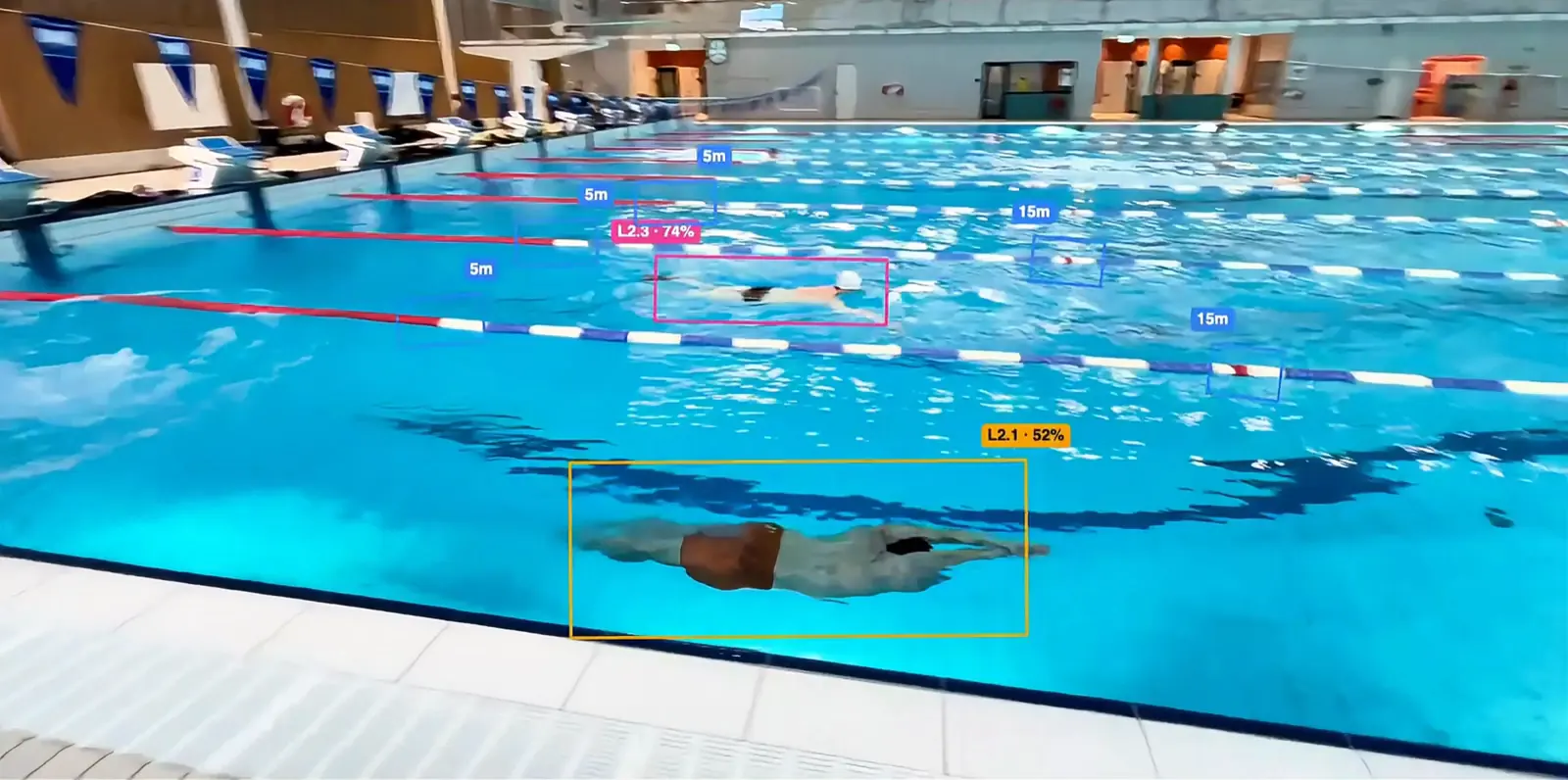
From a clip it returns measurements such as reaction time, entry angle, breakout distance, stroke rate and stroke length, on the pool deck, with the pose model running on the phone. Because it is connected to the same club account as Swim Suite, each analysis sits next to the swimmer's training history rather than in a separate folder of videos. We explain the approach in automatic swim race analysis.
Feature Comparison
The table compares the two products for swimming specifically, not for every sport Dartfish supports. "Manual" means the analyst produces the measurement with the software's tools.
| Area | Dartfish | Swim Analyzer |
|---|---|---|
| Sports covered | Many sports | Swimming only |
| Slow motion and frame-by-frame review | Yes | Yes |
| Side-by-side comparison and drawing tools | Yes | Not a focus |
| Custom tagging panels | Yes | No, events are detected automatically |
| Reaction time and breakout distance | Manual | Automatic |
| Stroke rate and stroke length | Manual | Automatic |
| Multi-camera installations | Yes, on higher tiers | No, built for a phone |
| Link to the swimmer's training plan | No | Yes, through Swim Suite |
| Who usually operates it | A performance analyst or a technical coach | The group coach on deck |
Manual Tagging vs Automatic Measurement
The real difference is who produces the number. In a manual workflow, the analyst finds the frame where the feet leave the block, the frame where the head breaks the surface and every hand entry across a length, then calculates from those marks. Done carefully, that is accurate, and it works for any movement in any sport.
It also takes time per swim. Consider a coach who wants stroke length for one 50 m swim from each of 20 swimmers. Counting every stroke cycle and marking the clean-swimming distance by hand is several minutes of careful work per clip, which turns into an evening for the group. When the measurement is automatic, the same 20 clips are recorded during the session and the numbers are there afterwards. That is the difference between analysing the two swimmers going to championships and analysing everyone. Our guide on how to calculate stroke length shows the calculation itself.

Pricing Compared
Dartfish is sold as a subscription, with tiers ranging from mobile apps to professional desktop products, and multi-camera installations quoted separately. Check the current tiers with Dartfish, because the right one depends on how many cameras and analysts you have.
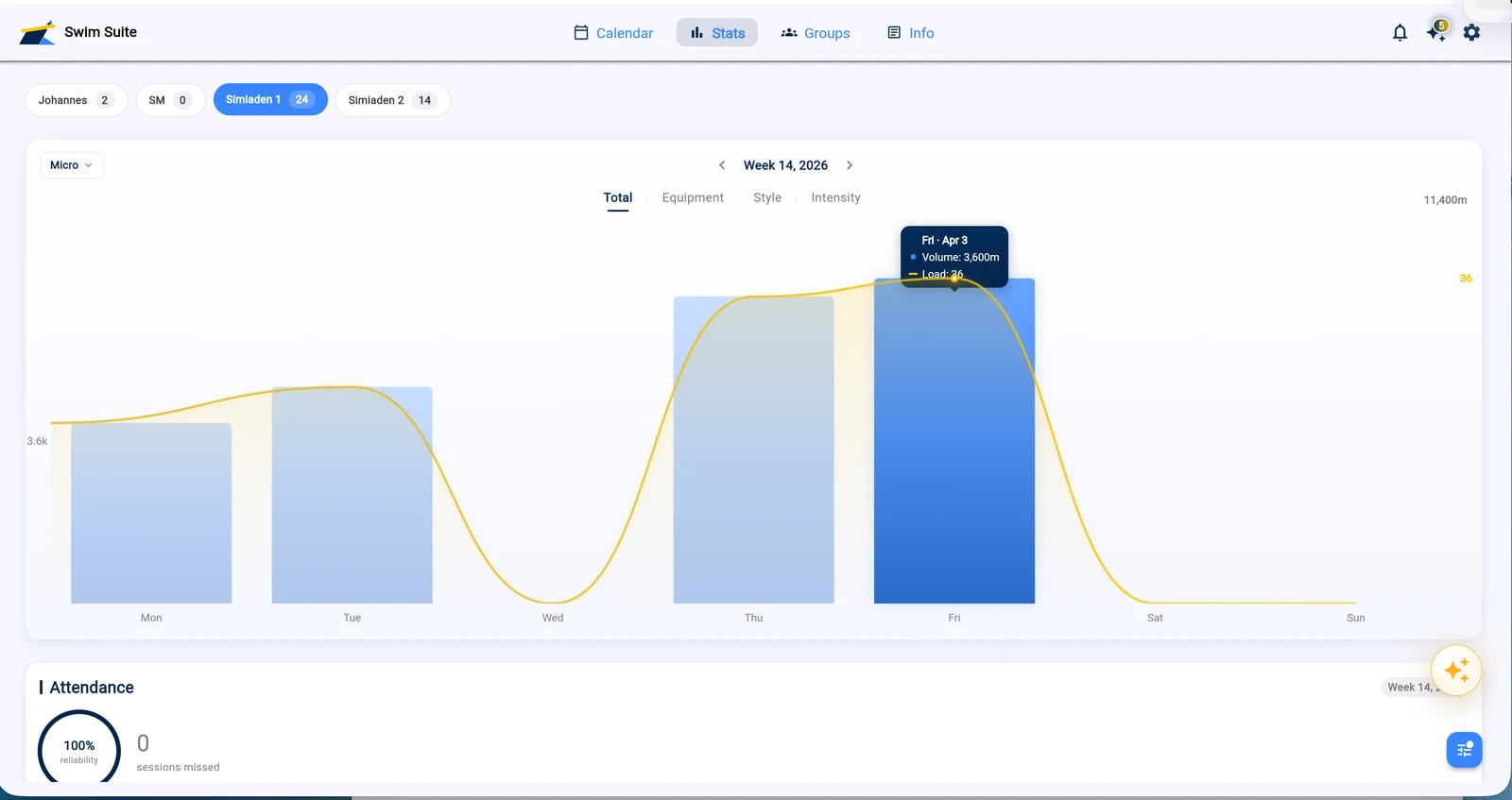
Swim Analyzer is part of the Swim Suite family and connects to the same club account as Swim Suite and Swim Forge. Swim Suite's club plans run from €40 to €140 a month by coaches and swimmers, with a 14-day free trial and no card required; current details are on the pricing page.
Which Should You Choose?
Choose by who will do the analysis and how many swimmers it needs to reach. The tools suit different people more than they suit different budgets.
| Your situation | Best fit |
|---|---|
| Performance analyst working across several sports | Dartfish |
| Multi-camera pool installation with dedicated analysis staff | Dartfish |
| Club coach who wants numbers for the whole group, on deck | Swim Analyzer |
| Coach who wants analysis connected to each swimmer's training | Swim Analyzer with Swim Suite |
FAQ
These are the questions coaches ask most often when they compare Dartfish with Swim Analyzer for swimming analysis, from what each one measures to the equipment it needs, each answered briefly below.
Is Swim Analyzer a Dartfish alternative for swimming?
Yes, for coaches who want swimming measurements rather than a general analysis toolkit. Swim Analyzer measures starts, breakouts, stroke rate and stroke length automatically, but it does not offer Dartfish's multi-sport tagging, drawing or multi-camera features.
How does Dartfish measure stroke rate?
In Dartfish, stroke rate is typically measured by tagging stroke cycles in the video and letting the software calculate from the tags. The result is as accurate as the tagging, and the time it takes grows with the number of swims analysed.
Do I need special cameras for Swim Analyzer?
No. Swim Analyzer is built to work from ordinary phone video recorded on the pool deck, and the analysis runs on the phone itself. There is no camera installation, laptop or separate analyst needed to get the numbers.